💻
Laptop & Desktop Repair
Diagnostics, chip-level motherboard repair, screen, keyboard, battery and component replacement.
Enquire about repair →
Complete computer, networking, CCTV and IT maintenance solutions for homes and businesses. From a laptop that won’t start to a full office network, TechFix helps keep your technology running smoothly.
Practical technology support for individuals, offices, shops and growing businesses across Pune.
Diagnostics, chip-level motherboard repair, screen, keyboard, battery and component replacement.
Enquire about repair →RAM, SSD/HDD, screens, batteries, motherboards and performance improvements.
Get an upgrade quote →Operating system installation, driver updates, troubleshooting and genuine software licensing.
Request software help →Storage troubleshooting, data recovery assessment, backup planning and data migration.
Discuss data recovery →CAT6, RJ45, LAN, Wi-Fi, switches, routers, network design and troubleshooting.
Request a site survey →IP/HD cameras, DVR/NVR setup, remote mobile viewing, maintenance and upgrades.
Enquire about CCTV →Firewall rules, access policies, VPN setup and secure network configuration.
Secure my network →Preventive maintenance, breakdown support and asset care under agreed contract terms.
Explore AMC plans →Server setup, device installation, operating system support and infrastructure maintenance.
Plan an IT setup →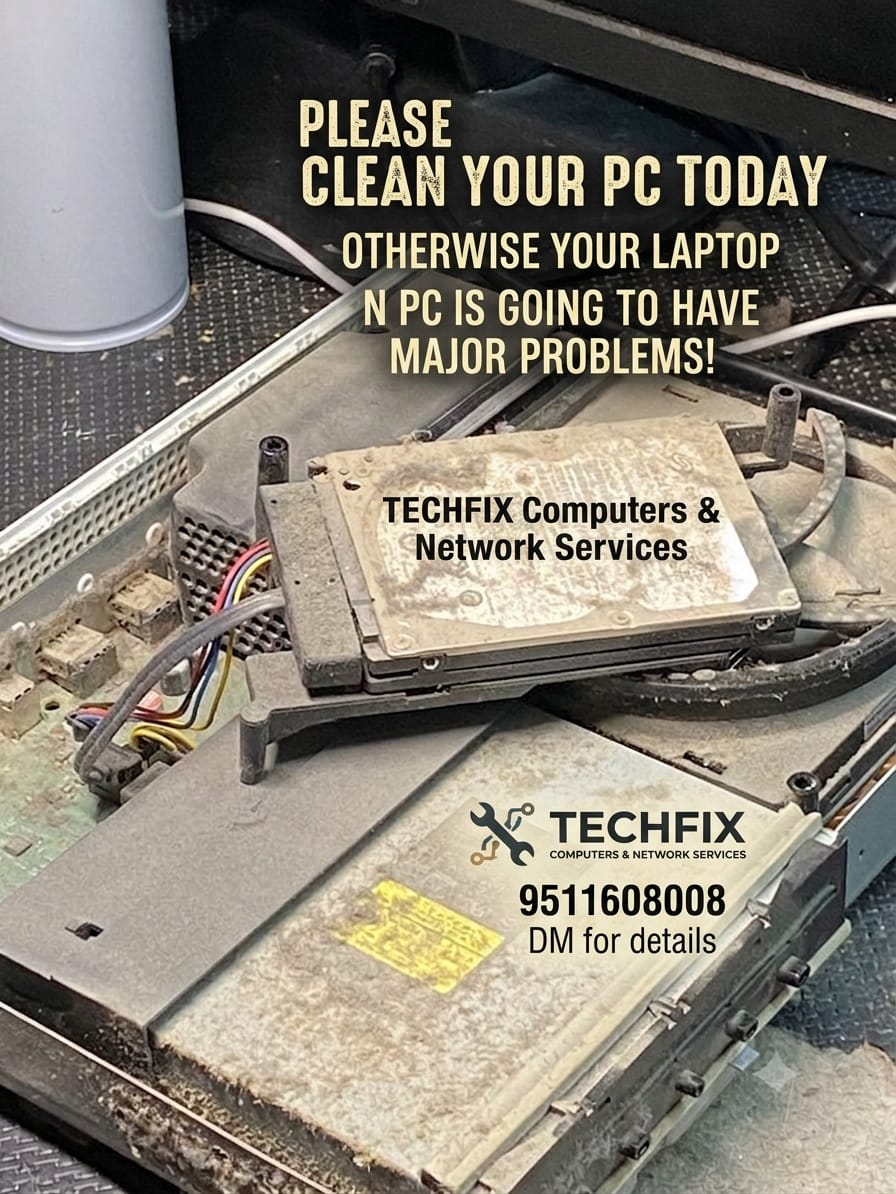
We bring repair, maintenance, networking and equipment enquiries together in one place—so you can talk to one team about your IT needs.
Understand the issue and review the quotation before work begins.
From individual laptops to office systems, networks and CCTV projects.
Discuss a repair, improve an existing device or enquire about IT products.
Pricing, warranty terms, availability and contract coverage are confirmed per job.
Ask about an Annual Maintenance Contract tailored to your devices, support needs and site requirements. Scope and exclusions are agreed in writing.
For small shops and teams
For offices and growing teams
For growing businesses
AMC pricing, visit frequency, response targets, spare-parts coverage and exclusions are confirmed in the written proposal.
Enquire about new and refurbished products. Current stock, condition, price and warranty are confirmed when you contact us.
Share your device issue or project requirement. We’ll help you work out the next step.
Send your details and the service you need. This demo form prepares a WhatsApp enquiry for you to send.